KBIZ Corporate Internet Banking
Online banking for business customers — KienlongBank
Overview
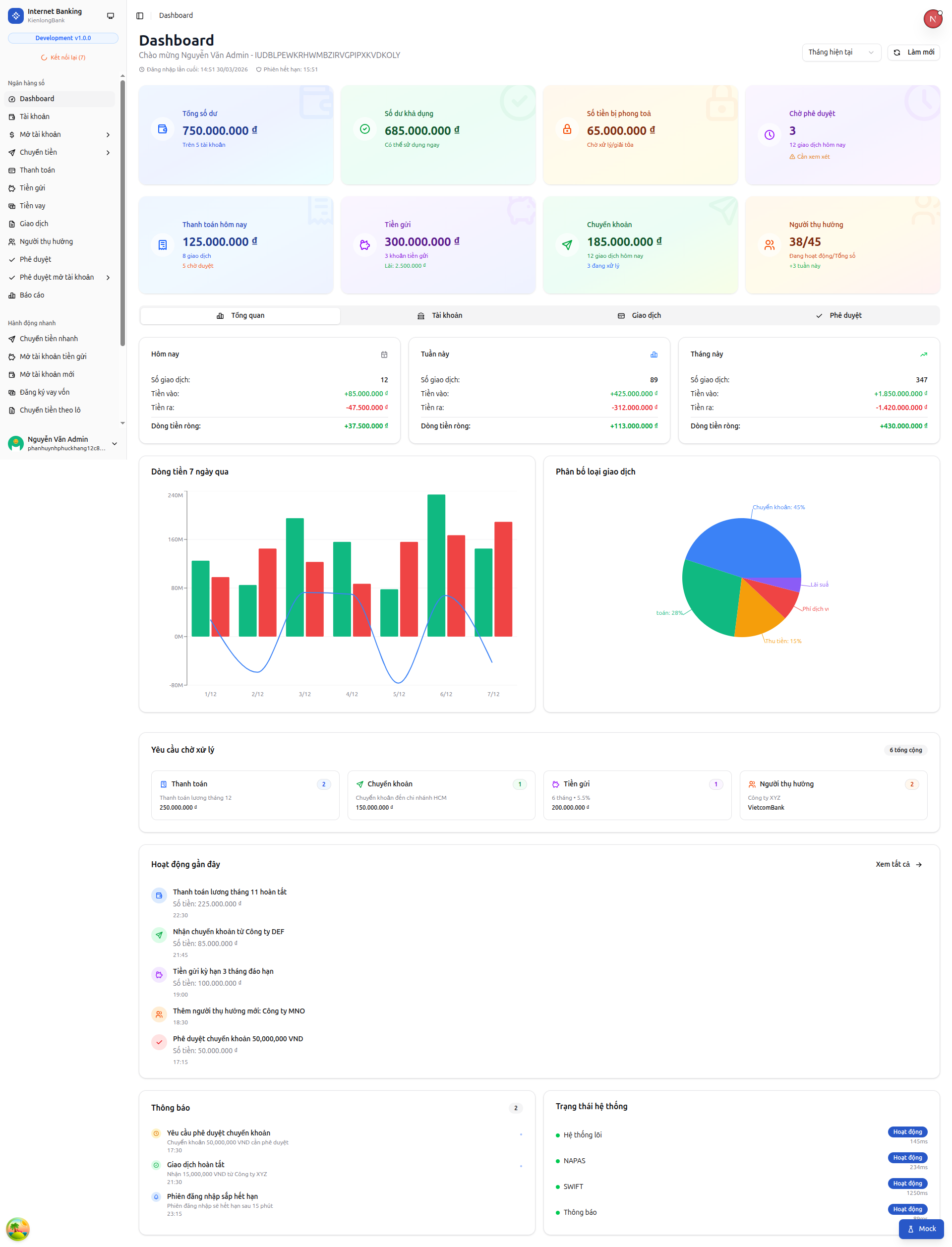
KBIZ is KienlongBank's internet banking service for business customers. Companies use it to send single or batch transfers (with fees calculated up front) and open term deposits, and every sensitive action goes through a maker–approver step. Transaction status shows up on screen instantly. The system runs as 12+ independent services connected directly to the bank's core system (Flexcube). I worked on Transfers (internal, interbank via NAPAS247/CITAD, and batch transfers) and Term Deposits (opening, partial withdrawal and closure).
Problem Statement
For business customers, funds must be tightly controlled, payments must pass several approvers, and a failure halfway through must be recovered safely. The hardest part was batch transfers: a company uploads an Excel/CSV file (re-uploading never creates duplicates), the system checks each row and calculates its fee and VAT, holds the full amount in the account, waits for approval and only then pays out. If only part of the batch succeeds, the remaining money stays safely held, only rows that can be retried are retried, and fees are posted without slowing the transfer — all with a complete audit trail.
User Interface
My Process
Batch transfers — 6 control stages
Built the full life of a batch transfer: accept the Excel/CSV file and read each row (re-uploads never create duplicate orders); calculate fees and VAT and check account limits and status; save the order and hold the amount in the account; send it into the approval process; once approved, release the hold (retrying automatically if the core bank does not respond) and pay out in chunks while tracking each row's result. If only part succeeds, the remaining funds stay held; only eligible rows are retried; fees are posted from successful rows without slowing the transfer.
Term deposits — from opening to closure
Built all three deposit operations on top of the Flexcube core system: (1) Opening — the company previews the online rate, maturity date and interest, verifies with OTP and submits for approval; the amount is held once approved. (2) Partial withdrawal — the system previews the withdrawable amount, checks eligibility, verifies OTP where policy requires and creates a request awaiting approval. (3) Closure — shows the net interest up front (which may include an early-closure penalty set by the core bank), verifies OTP and creates a request awaiting approval. Nothing is executed on the core bank until it is approved.
Suggesting the right transfer channel
For single transfers, the system suggests NAPAS247 when the receiving bank supports it and the amount is under 500 million VND, and CITAD otherwise — users do not have to work it out. For batch transfers, the channel is chosen explicitly when the file is uploaded.
Maker–approver workflow
Routed every sensitive transfer and deposit request through multi-level approval. Approvers are assigned automatically by approval level and transaction amount, and the person who creates an order cannot approve it. An OTP is required both when submitting and when approving, and status updates appear on the user's screen immediately.